A Digital Garden - frequent growth but a bit weedy in the back corner
Created 2026-06-14
WordPress is a great blogging platform but if you want something a bit lighter weight then Jekyll is a good bet. For me, I keep notes and todo lists and all that gubbins stored in plain text files formatted in Markdown. If I want to take a section of my notes and publish it online then I have to go into the admin section of WordPress and create a post and fill in boxes and reformat the text and it’s all a bit of a faff. Jekyll works the same way I do though. It stores articles in Markdown format in plain text files with no database complications, no worry about scripting complicated backups and I can easily write locally and deploy to my remote server with just a quick git push deploy master. Here’s how.
I’m doing this on Ubuntu Linux so you may need to tweak things a little if you’re on Windows or Arch or macOS or whatever.
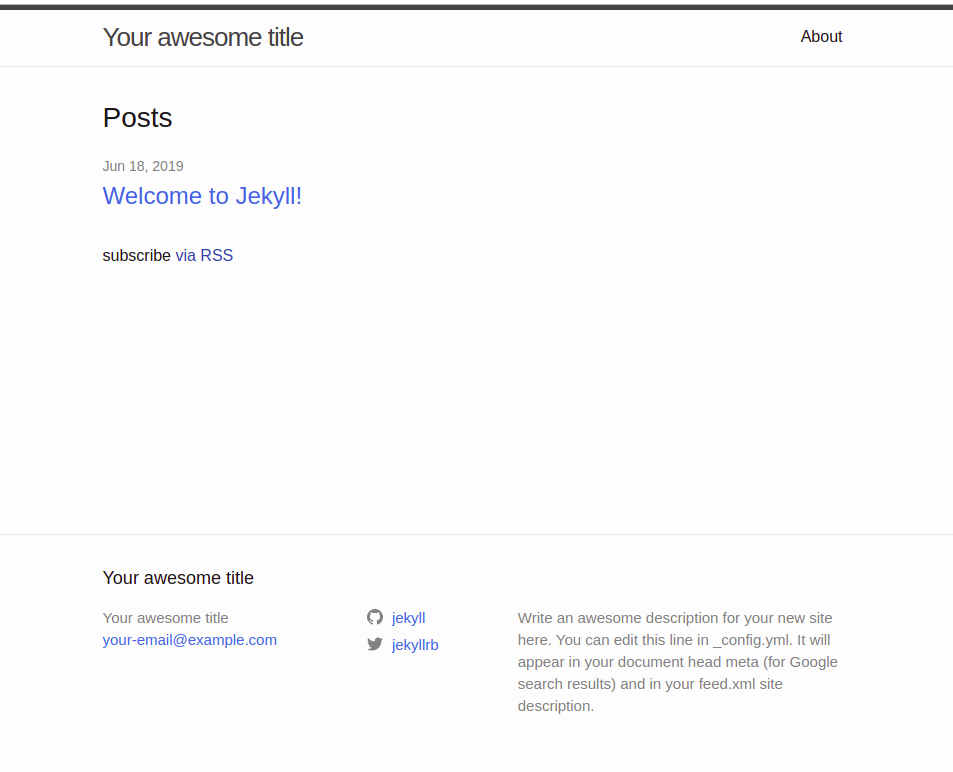
ssh onto the remote machineauthorized_keys on the remote machine.mkdir /home/user/Documents/blog-repo.git and cd into it.git init --bare to create a bare git repo on the remote machine to receive your content when you git push to deploy to it. Note that this is just a repo to receive the source files for the site. It’s not where the actual site will be built to or served from.post-receive file.mkdir /var/www/bloggit remote add deploy user@example.com:/home/user/Documents/blog-repo.gitgit push deploy master to push your content up to the remote repo.post-receive git hook will spot the changes to your remote repo and build your site in your remote server’s web folder.jekyll-diagrams is handy if you need to generate diagrams on your pages.ruby using sudo apt install ruby-full.gem install bundler jekyll to install the bundler and jekyll gems to the local repository.jekyll new /home/user/Documents/blog to create a bare bones site.cd /home/user/Documents/blog to get into your new site’s folder.bundle exec jekyll serve to start the jekyll server and build your site.http://localhost:4000 and you should see your site rendered on your local machine; something like this:Bare Site Screenshot
Change directory into the remote repo folder and create a file hooks/post-receive.
#!/bin/bash -login

REPO=$HOME/Documents/blog-repo.git
SITE=/var/www/blog

TEMP=$HOME/tmprepo
git clone $REPO $TEMP
export PATH=$PATH:$HOME/gems/bin
BUNDLE_GEMFILE=$TEMP/Gemfile bundle install
BUNDLE_GEMFILE=$TEMP/Gemfile bundle exec jekyll build -s $TEMP -d $SITE
rm -rf $TEMP
exit 0
Do chmod +x hooks/post-receive to make it executable. If you forget this your remote repo will get updated when you push to it, but the site won’t get generated.
Gemfile to include the following:group :jekyll_plugins do
gem 'jekyll-diagrams'
endbundle from a command prompt to install it.sudo apt install graphviz to install dependencies._config.yml:diagrams:
graphviz:
engine: dot
options: '-Tsvg'
blockdiag:
options: '-Tsvg --nodoctype'